

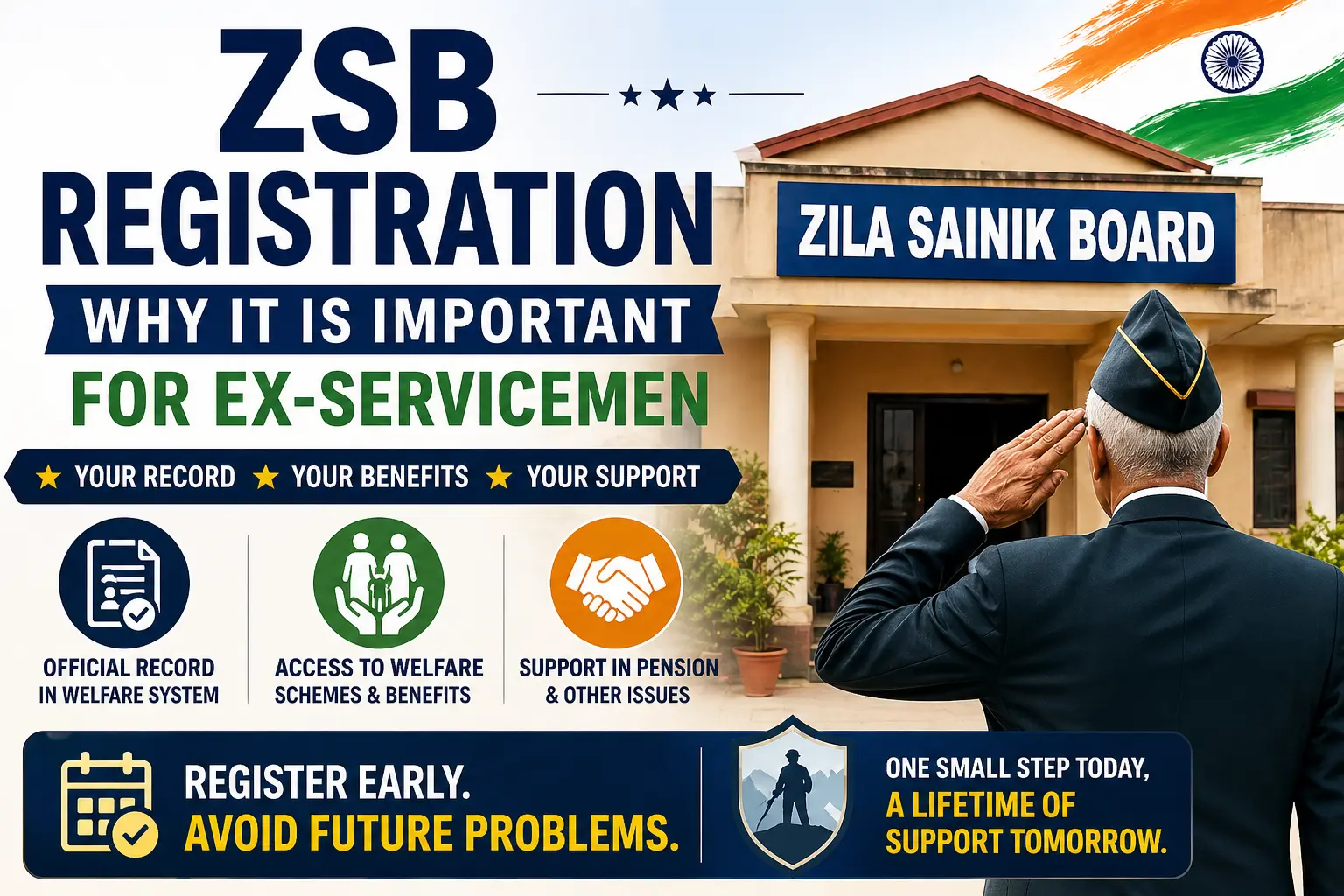
After retirement, many veterans think pension is enough. This is not correct. Pension only gives money, but ZSB registration connects you to full welfare support.
Government system works only on records. If your name is not in registered with Zila Sainik Board, you may get pension, but you may miss many other benefits. Later, this creates problems when you need help.
- ZSB registration is your entry in the system after retirement
- Benefits are given only if your record exists
- Pension alone is not enough
Why Registration with Zila Sainik Board is important
Registration at ZSB gives you official identity as an ex-serviceman in civil system. Without this, your connection with welfare schemes remains incomplete.
ZSB keeps district-level records of veterans and their families. These records are used when you apply for any benefit or support.
- Works as official record of ESM
- Needed for welfare schemes
- Base for future help and support
What ZSB registration actually connects you to
Many people think registration is just a form. But it actually connects you to a full support system.
ZSB helps you at ground level. It guides you in pension issues, documents, and other problems. It does not calculate pension, but it helps you reach the right office.
- Part of 3-level system: KSB, RSB, ZSB
- First place to approach for help
- Helps in coordination with departments
👉Click Here To understand full role and services by ZSB,
Where most veterans make mistake
The biggest mistake is delay. Many veterans do not do ZSB registration after retirement.
Because of this, their record is not available when needed. Later, it becomes difficult to get support.
- No registration after retirement
- Not aware about ZSB
- Delay in submitting documents
How ZSB registration process works
The process is simple. But you must complete it properly.
Your district ZSB checks your documents and enters your details in the system.
- Visit your district ZSB office
- Submit Documents
- Complete verification
- Your record is added in database
At the time of Zila Sainik Board (ZSB) registration, documents must be complete and accurate, because your entire welfare record is built on this data. Any missing or incorrect document can delay your entry into the system and create problems later when you apply for benefits.
Documents Required for ZSB Registration
- Discharge Book / Service Certificate (proof of service)
- PPO (Pension Payment Order)
- Aadhaar Card or any valid Photo ID
- Address Proof (Aadhaar / Voter ID / Utility Bill)
- Bank Details (Passbook copy / Cancelled cheque)
- Passport Size Photographs
- Family Details (Spouse & Dependent Children)
- ECHS Card (if available)
- PAN Card (in some cases)
- Disability documents (if applicable)
Note: The list of documents may vary slightly from state to state depending on ZSB requirements.
Why details should be correct during Registration
Wrong details can create problems later. Your ZSB record is used in all cases.
If your data is wrong, your work may get delayed.
- Name, rank, service must be correct
- Family details must be accurate
- Address must be updated
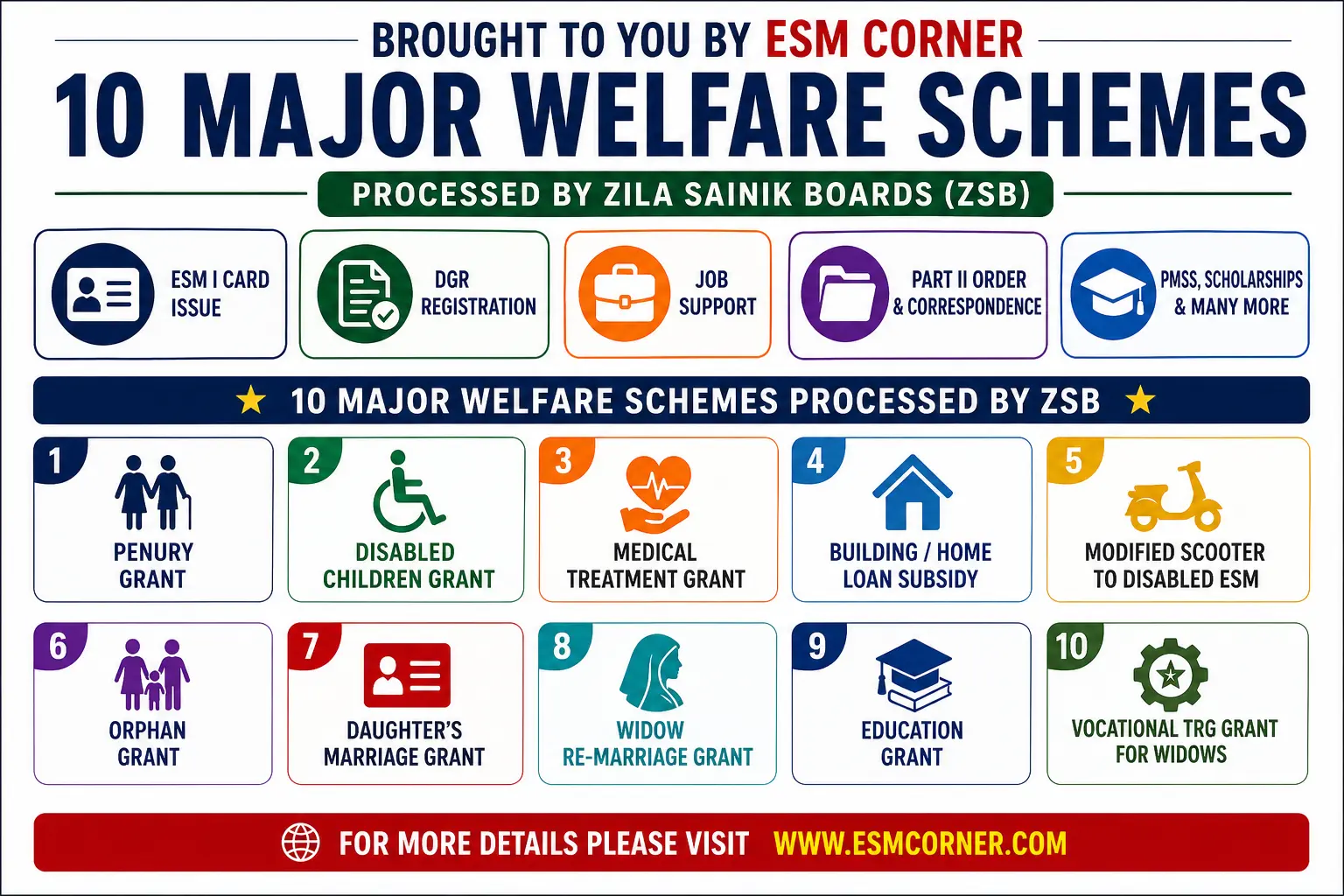
When ZSB registration becomes a serious issue
Problems happen when there is no record. This is common in widow or family cases.
At that time, extra checking is required and it takes more time.
- No record in system
- Delay in benefits
- Extra documents required
What you should do after retirement
Do not delay ZSB registration. Complete it on time and check your details.
This will save you from future problems.
- Register immediately after retirement
- Submit all documents
- Check your details
- Update when needed
Final point on ZSB registration
ZSB registration is very important. Without it, system cannot recognize you properly.
If your record is correct, you will get support easily whenever needed.
- No registration means no record
- Benefits depend on your data
- Correct entry avoids future issues
Q1: What is ZSB registration?
A: ZSB registration means registering your details at Zila Sainik Board after retirement. It creates your official record in the welfare system so you can get benefits and support.
Q2: Is ZSB registration compulsory for ex-servicemen?
A: Yes. ZSB registration is necessary. Without it, you may get pension, but you will face problems in getting other welfare benefits and support.
Q3: When should I do ZSB registration?
A: You should complete ZSB registration immediately after retirement. Delay can create gaps in your record and cause problems later.
Q4: Where should I register for ZSB?
A: You need to visit your district Zila Sainik Board office and complete registration there with required documents.
Q5: What documents are required for ZSB registration?
A: Common documents include:
Discharge book
PPO copy
Aadhaar card
Bank details
Passport-size photos
Family/dependent details
Q6: What happens if I do not do ZSB registration?
A: If you are not registered, your record will not exist in the system. This can lead to delay or rejection of welfare benefits and support.
Q7: Can I do ZSB registration after many years of retirement?
A: Yes, you can register later, but it may take more time because your records need verification. It is always better to register early.
Q8: Does ZSB registration affect my pension?
A: No. Pension is processed separately. But ZSB helps in resolving pension issues and guiding you if any problem arises.
Q9: Can family or widow use ZSB services without registration?
A: No. If the ex-serviceman is not registered, family members may face problems in getting benefits. That is why registration is very important.
Q10: How can I check if my ZSB registration is done?
A: You can visit your ZSB office and confirm your record. Some boards may also provide confirmation or ID after registration.
Q11: Do I need to update my ZSB record?
A: Yes. You must update your record if there are changes like address, bank details, or family status. Updated records help avoid future problems.
Q12: What is the biggest mistake in ZSB registration?
A: The biggest mistake is delay or ignoring registration after retirement. Many veterans realize its importance only when they face issues later.







Very useful suggestions.Sir I suggest one thing that only esms are the best citizen of india. There shouldn’t be any doubt to issue citizenship to esms.I hope all will agree on this point.