
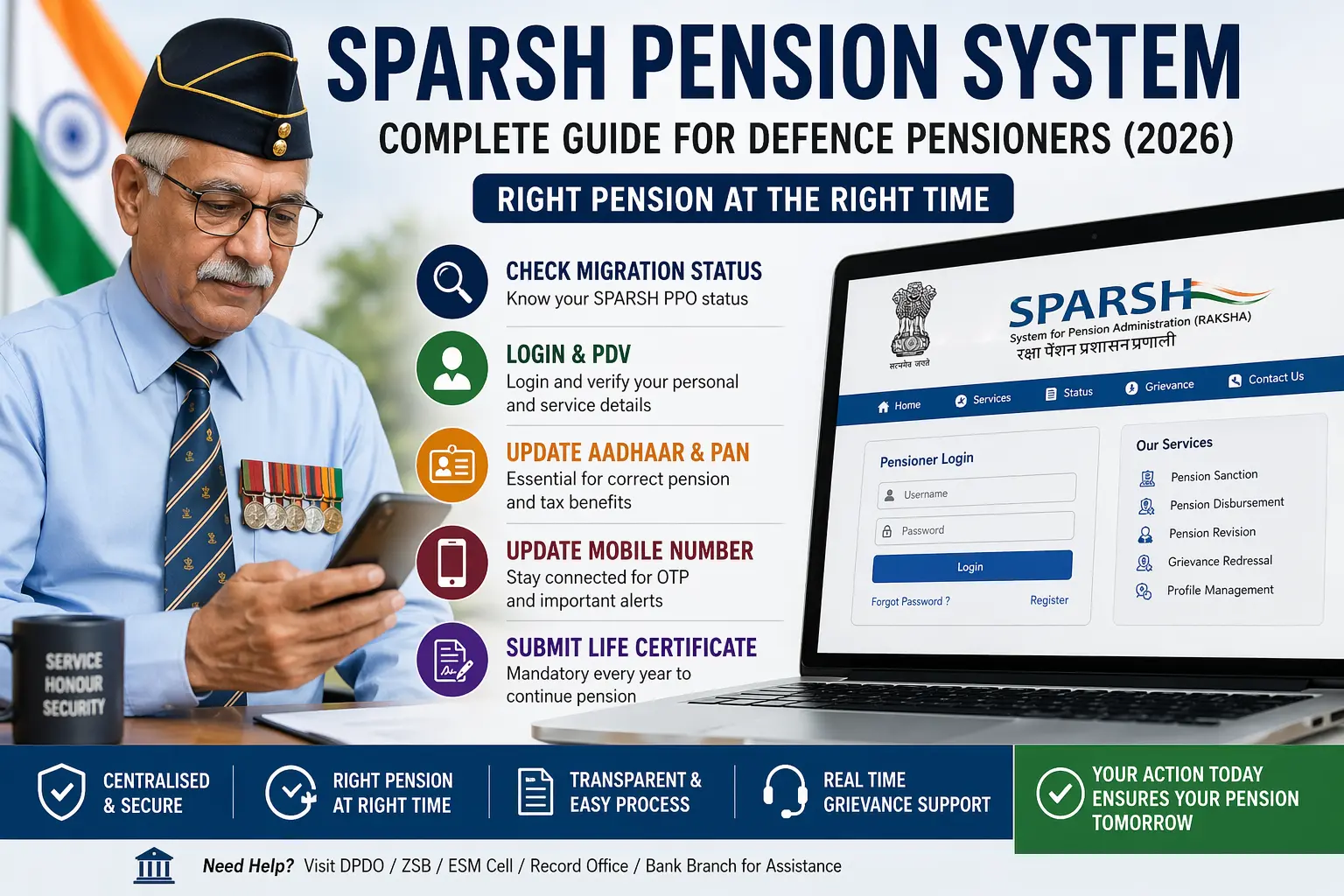
If your pension has been shifted to SPARSH, you need to act. This is not a passive system.
SPARSH (System for Pension Administration – Raksha) has been introduced to ensure “Right Pension at the Right Time” through a secure and reliable digital platform. But this only works when your data is correct and verified.
What is SPARSH and How It Works
SPARSH- Portal is a centralized system designed to manage the complete pension lifecycle for defence pensioners.
It handles:
- Pension sanction and approval
- Pension disbursement
- Pension revision
- Service requests and grievance management
It also offers:
- Easy validation and correction of data
- Digital identification of pensioners
- Real-time grievance tracking
Earlier, these tasks were handled by multiple agencies. Now everything is integrated into one platform.
This improves efficiency—but also makes your role more important.
👉 Also Read: Step-by-Step Guide to Download PPO and Corrigendum PPO from SPARSH
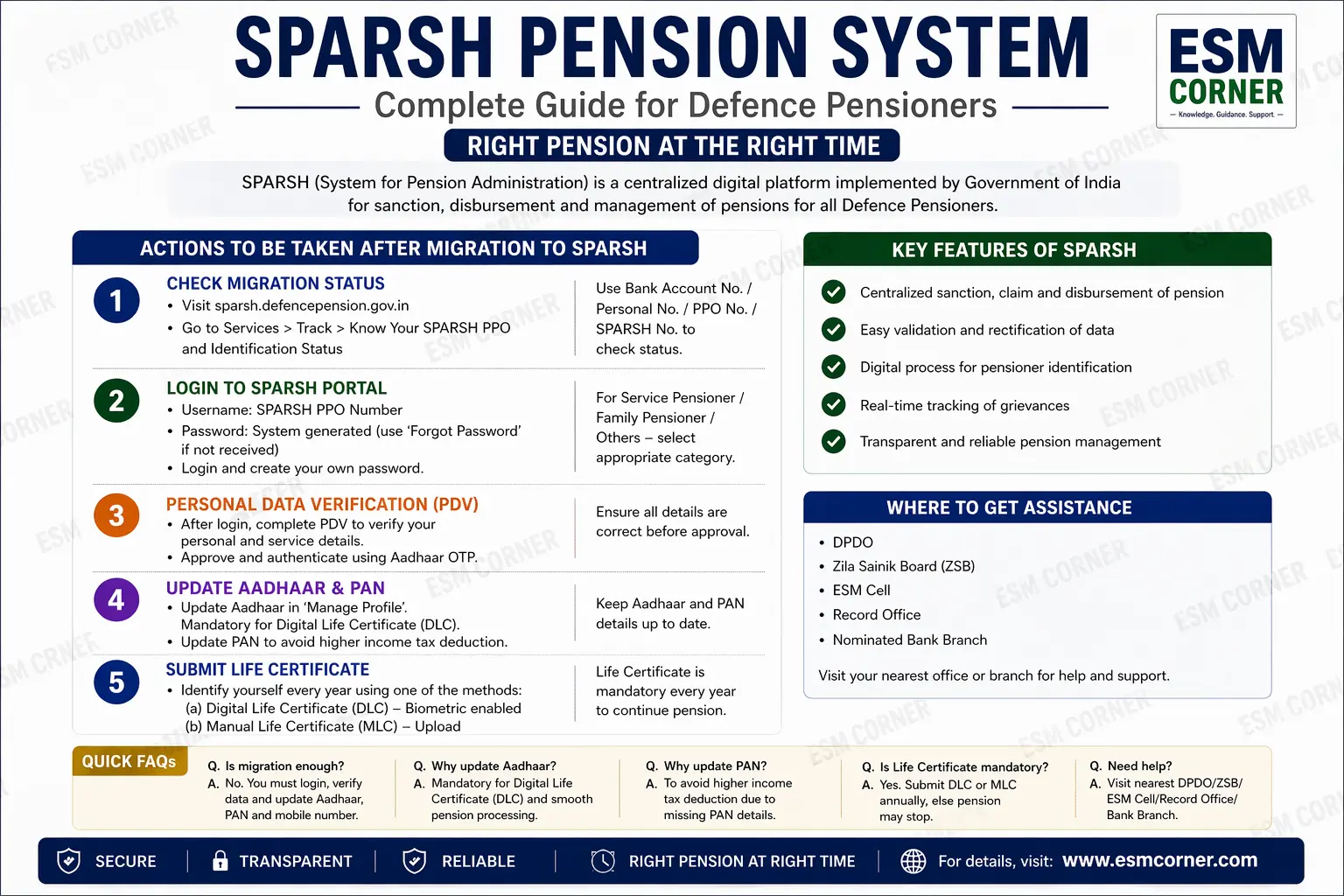
Step 1: Check Your Migration Status (Don’t Skip This)
Before taking any action, confirm whether you are migrated.
How to check:
- Visit SPARSH website
- Go to Services → Track → Know Your SPARSH PPO Status
- Select any one:
- Bank Account Number
- Personal Number
- SPARSH Number
- e-PPO Number
- Click Search
Result:
- If migrated → Your SPARSH PPO details will appear
- If not → You will see a message
👉 If you are migrated, you must act immediately.
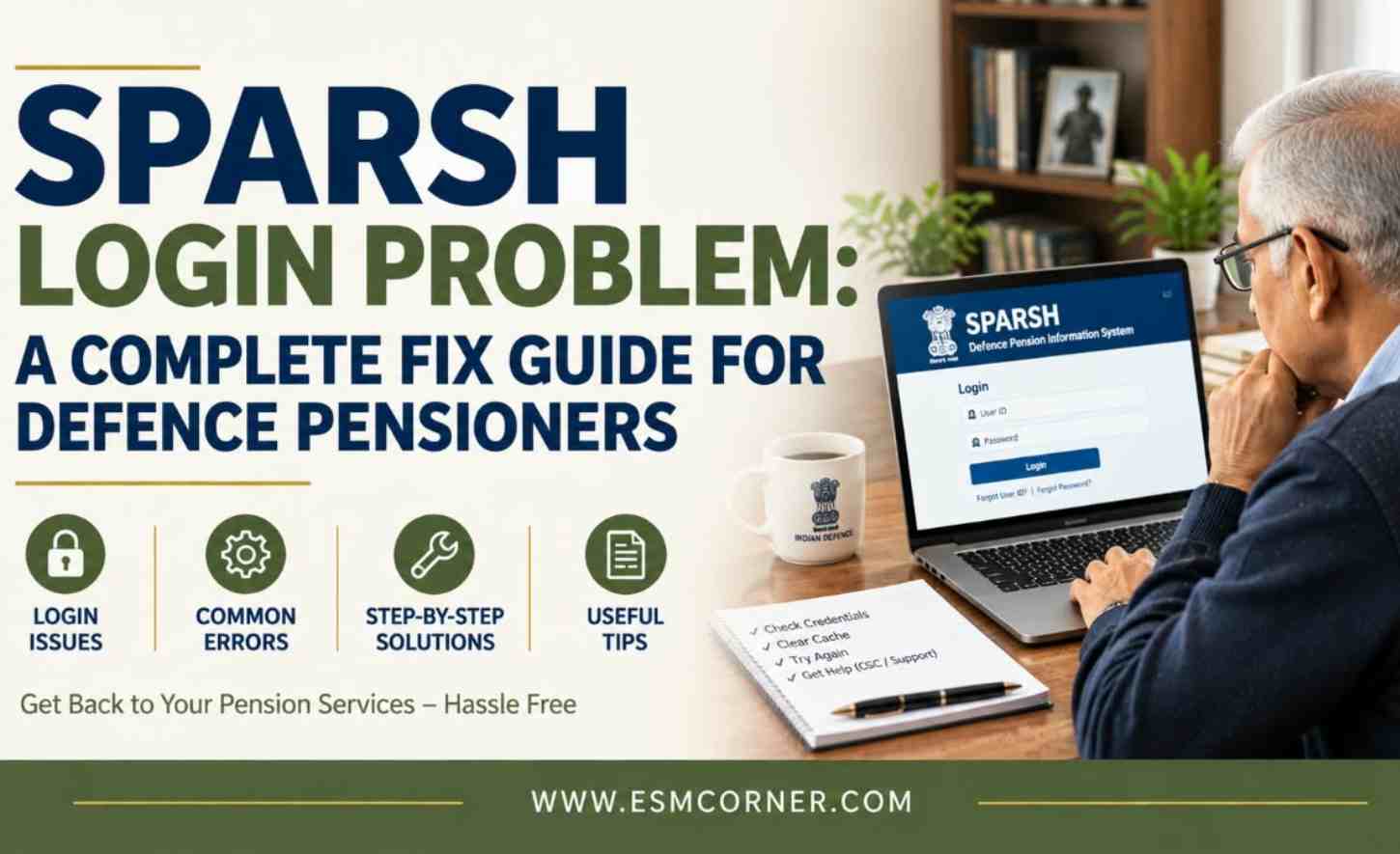
Step 2: Login to SPARSH Portal
Once migrated, login is your first responsibility.
- Website: SPARSH Portal
- Username: SPARSH PPO Number
- “01” for service pensioner
- “02” for family pensioner
- Password: System generated
If you did not receive credentials:
- Use “Forgot Password” to generate a new one
After login:
- You must create your own password
👉 Keep this password safe. Without login, you cannot manage your pension.
Step 3: Personal Data Verification (PDV)
After login, you will see PDV (Personal Data Verification).
This allows you to check:
- Personal details
- Service details
- Pension data
Process:
- Review all data carefully
- Click “Next” through the steps
- Complete Aadhaar-based OTP authentication
👉 This step confirms your identity and locks your data. Do not rush it.
Step 4: Update Aadhaar and PAN Details
This step directly affects your pension and tax.
Aadhaar Update:
- Go to Manage Profile after login
- Update Aadhaar details
👉 Without Aadhaar, your Digital Life Certificate (DLC) will not work.
PAN Update:
- Update PAN in your profile
👉 If PAN is missing, income tax will be deducted at a higher flat rate.
If Aadhaar Mismatch Occurs:
- Visit SPARSH website
- Go to Services → Track → Update Aadhaar
- Enter:
- SPARSH PPO Number or Legacy PPO Number
- Click “Verify & Proceed”
- Enter Aadhaar Number and confirm
Step 5: Update Your Mobile Number
Your mobile number is critical for OTP and access.
To update:
- Visit SPARSH website
- Go to Services → Track → Update Mobile
- Enter PPO Number
- Select Authentication Type: Aadhaar
- Enter Aadhaar Number
- Click “Send OTP”
- Enter new mobile number
👉 If your mobile number is not updated, you may lose access to your account.
Step 6: Submit Life Certificate (Mandatory Every Year)
You must confirm your identity annually.
Options:
- Digital Life Certificate (DLC) – biometric
- Manual Life Certificate (MLC)
This can be done at:
- DPDO
- Zila Sainik Board (ZSB)
- ESM Cells
- Record Offices
- Authorized bank branches
👉 If you do not submit your Life Certificate, your pension will stop.
Important Note (Don’t Ignore This)
If you are unable to complete these steps yourself, visit your nearest:
- DPDO
- ZSB
- ESM Cell
- Record Office
- Bank branch
Get assistance and complete the process without delay.
Final Reality Check
SPARSH is designed to be accurate and efficient. But it works only on verified data.
- If your data is correct → pension runs smoothly
- If your data is incomplete → issues will arise
Earlier, systems adjusted errors.
Now, the system expects accuracy.
👉 Your pension is no longer just processed—it is validated.
Quick Self Check
Ask yourself:
- Can I login to SPARSH?
- Have I completed PDV?
- Is Aadhaar updated?
- Is PAN updated?
- Is my mobile number active?
- Have I submitted Life Certificate?
If any answer is “No,” take action immediately.

Q1: What is SPARSH and why has it been introduced?
A: SPARSH is a centralized digital platform for defence pensions. It has been introduced to ensure faster processing, transparency, and accurate pension disbursement without dependency on multiple offices.
Q2: Is my pension automatically safe after migration to SPA-RSH?
A: No. Migration alone does not guarantee smooth pension. You must log in, verify your data (PDV), and update Aadhaar, PAN, and mobile details. Without this, your pension may face issues.
Q3: How can I check whether I am migrated to SPARSH?
A: Visit the SPARSH portal, go to “Services → Track → Know Your PPO Status,” and search using your bank account number, personal number, PPO number, or SPARSH number.
Q4: What is PDV (Personal Data Verification) and why is it important?
A: PDV is the process where you verify your personal, service, and bank details after login. It ensures your pension data is correct. If you approve incorrect data, it may lead to future problems in payment or records.
Q5: What happens if I do not update my Aadhaar or PAN?
A: If Aadhaar is not updated, your Digital Life Certificate (DLC) may fail, which can stop your pension. If PAN is not updated, higher income tax may be deducted from your pension.
Q6: Why is updating my mobile number important in SPARS H?
A: Your mobile number is used for OTP verification, login, and alerts. If it is not updated or active, you may lose access to your account and miss important updates.
Q7: Is submitting a Life Certificate mandatory every year?
A: Yes. Every pensioner must submit a Life Certificate annually, either digitally (DLC) or manually (MLC). Failure to do so will result in stoppage of pension.
Q8: Where can I get help if I am unable to use SPARSH?
A: You can visit DPDO offices, Zila Sainik Boards (ZSB), ESM Cells, Record Offices, or authorized bank branches for assistance in completing SPARSH-related actions.
👉Do You want to stay updated on post-retirement affairs and welfare news for Indian Armed Forces Veterans click here to join our WhatsApp group