
Source: SPARSH Portal
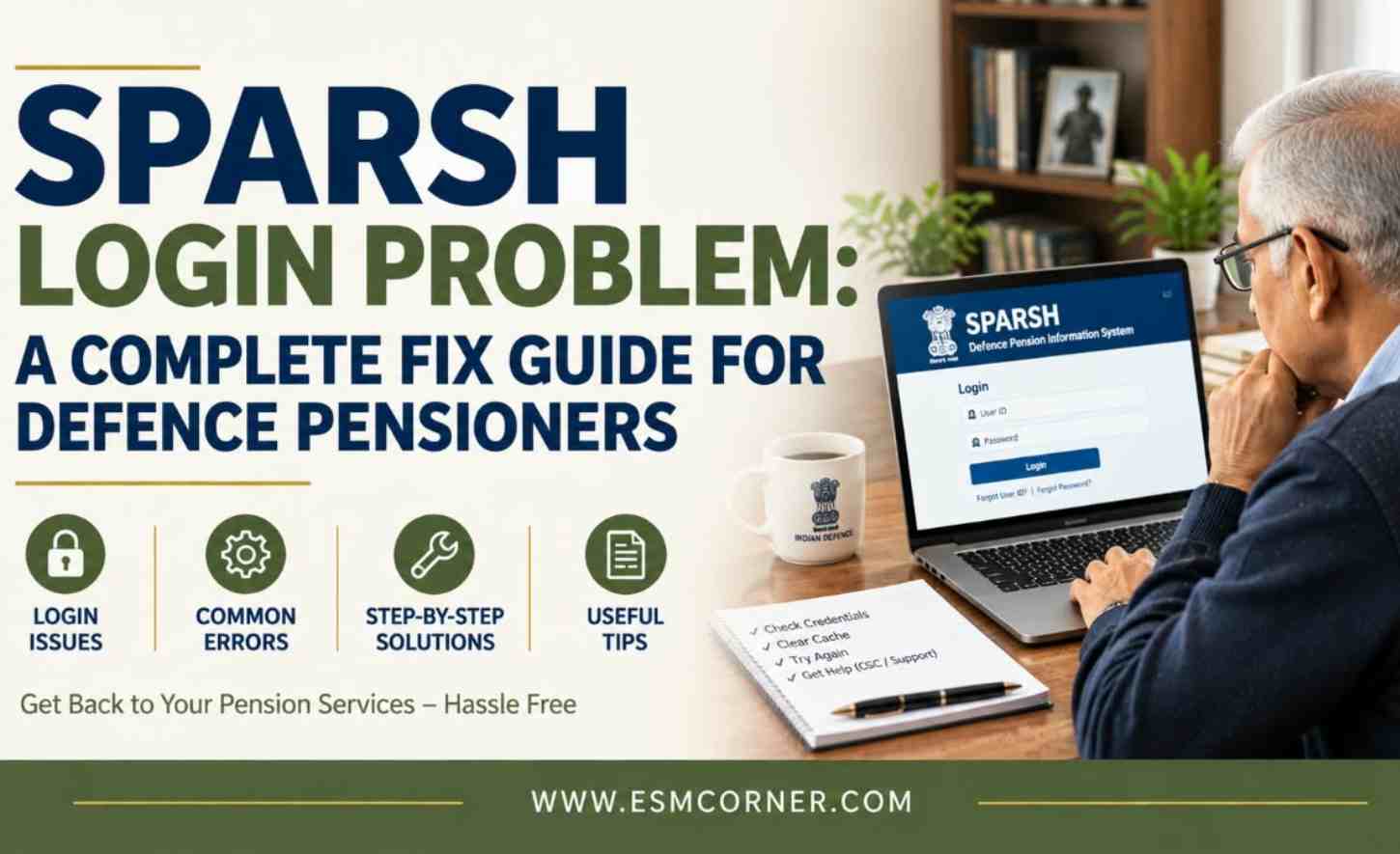
Are you stuck trying to log in to the SPARSH portal? You are not alone. This is one of the most common problems defence pensioners face. Most of the time, it is one of a few simple issues. This could be wrong login details, an old mobile number, a locked account, or a browser problem. This guide walks you through each problem, one by one. We start with the easiest fix. We end with what to do if nothing works.
What Your SPARSH Login Needs
SPARSH stands for System for Pension Administration – Raksha. To log in, you need three things. You need your User ID, your password, and usually an OTP. The OTP goes to your mobile number linked to Aadhaar. Many login problems happen because of confusion about just one of these. Your PPO number serves as your User ID. PPO stands for Pension Payment Order. It is not your service number. It is not your bank account number. If you type anything else as your User ID, the login will fail.
Problem 1: Wrong Login Details
This is the most common problem. If the portal keeps rejecting your login, check your PPO number first. Type it exactly as printed on your Pension Payment Order. If you are not sure of your password, use “Forgot Password.” Do not keep guessing your password. Too many wrong tries can lock your account. When you click “Forgot Password,” an OTP goes to your mobile number. Once this is done, you can create a new password. The new password needs at least eight characters. Create a password using a combination of letters and numbers.
Problem 2: Account Locked
Have you entered an incorrect password multiple times? Your account may now be locked. This is a safety step. To fix it, find “Unlock Account” on the SPARSH login page. Enter your username, which is your PPO number. Then click “Send OTP.” You will get an OTP on your mobile. Enter this OTP to unlock your account. After that, you can either log in to your account or reset your password.
Problem 3: OTP Not Arriving
SPARSH uses OTP to reset passwords and unlock accounts. This step causes trouble for many pensioners. It happens most when the mobile number is old or not linked to Aadhaar. If your OTP is not coming, check your mobile number on your SPARSH profile. Is it the same number you use today? Is it linked to your Aadhaar? If your number has changed, you need to get it corrected. Visit your Record Office or a SPARSH Service Centre for this. You may not be able to fix this online, since you cannot log in without the OTP in the first place. Also check for simple network problems. Sometimes the SMS is
just delayed. Try again after a few minutes.
Problem 4: “Unable to Login” Without a Specific Reason
Sometimes there is no error message. The login just does not work. Or it sends you back to the login page again and again. In this case, do not keep trying online. Visit your nearest SPARSH Service Centre instead. These centres are available at locations throughout the country.They include Common Service Centres, some bank branches, and India Post Payments Bank branches. There are several lakh such centres in India. Help with login problems here is completely free.
Problem 5: Website Down or Not Loading
In some cases, the issue may have nothing to do with your account.The SPARSH website itself may be under maintenance. It may have a technical issue. Before you assume the problem is yours, try a few things. Press Ctrl + F5 to clear the old, cached page. Wait some time and try again, since maintenance is usually short. Try a different, updated browser, such as Chrome, Edge, or Firefox. SPARSH works best on newer browsers. Older browsers can show the page wrongly.
Who to Contact Next
Did none of these steps work? Then it is time to escalate. Use only official channels. You can call the SPARSH helpline. You can email the SPARSH support address. Both are listed on the official SPARSH portal’s contact page. You can also visit your nearest SPARSH Service Centre. Or you can contact your Record Office directly.
Before You Escalate, and a Scam Warning
Before you escalate, check a few things first. Are you using your PPO number, not your service number, as the User ID? Is your mobile number active and linked to Aadhaar?Have you used the “Forgot Password” or “Unlock Account” option instead of repeatedly trying to guess the password? Have you cleared your browser cache or tried a different browser? Most SPARSH login problems get fixed with this simple checklist. You often will not need to visit a service centre at all.
One more important warning. SPARSH does not offer support through WhatsApp. Official calls only come from verified numbers. If someone calls or messages you on WhatsApp claiming to be from SPARSH, be careful. Avoid sharing your personal information or banking details. Check with the official SPARSH contact channels first.
Final Thoughts
Most SPARSH login problems have a simple fix. Work through the steps in order. You will likely get back in without needing to visit a service centre.
Stay updated on defence-related matters — join our WhatsApp group.
Frequently Asked Questions
Q1. What is my SPARSH login User ID?
A1. Your SPARSH User ID is your PPO number, also called your Pension Payment Order number. Many login problems happen because pensioners try their service number or bank account number instead.
Q2. I forgot my SPARSH password. What should I do?
A2. Use the “Forgot Password” option on the SPARSH login page. You will get an OTP on your Aadhaar-linked mobile number. Then you can set a new password.
Q3. My SPARSH account is locked. How do I unlock it?
A3. Use the “Unlock Account” option on the login page. Enter your username, which is your PPO number. Then select “Send OTP.” Once the OTP is verified, your account unlocks again.
Q4. Why am I not receiving the OTP during SPARSH login?
A4. This usually means your mobile number is outdated or not linked to Aadhaar. You may need to get it corrected through your Record Office or a SPARSH Service Centre.
Q5. What if I still can’t log in after trying everything?
A5. Visit your nearest SPARSH Service Centre. These work through Common Service Centres, select bank branches, and India Post Payments Bank branches. They can help with login problems completely free.
Q6. Is there an official way to get help for login issues?
A6. Yes. The official SPARSH portal lists a helpline and support email on its contact page. Use this channel only. Be careful of unofficial WhatsApp numbers claiming to be from SPARSH.
Q7. Can the SPARSH website itself cause login problems?
A7. Yes, sometimes. The portal can go through maintenance or have technical issues. Try clearing your browser cache with Ctrl + F5. Try an updated browser. Or simply wait a while and try again.
For more articles like this, visit our SPARSH section.