
Source: SPARSH Portal
Every year, every defence pensioner must prove one simple thing. They must show they are still alive. This proof is called a Life Certificate. If you get your pension through SPARSH, you submit it there. This guide explains, in simple words, exactly how to submit your SPARSH life certificate. We cover both the easy digital way and the manual way. This way, your pension never gets stuck.
Why the Life Certificate Matters
Think of the life certificate as a yearly “I am alive” check. The government needs this. It makes sure pension money goes to the right person. It stops pension being wrongly paid after someone has passed away. If you do not submit it on time, your pension can pause. It stays paused until you complete it. So do not put this off.
Two Ways to Submit: Digital or Manual
You have two choices. A Digital Life Certificate is done online. You use your Aadhaar number and either a fingerprint scan or face recognition on your phone. This is quick. Most pensioners now prefer it. A Manual Life Certificate is a paper form. You download it, get it signed by a gazetted officer, then upload a scanned copy or submit it at a centre. Both are valid. Digital is faster and can be done from home. Manual is a good backup if you are not comfortable with digital, or if your fingerprint or face scan is not working.
How to Submit Your Digital Life Certificate on SPARSH
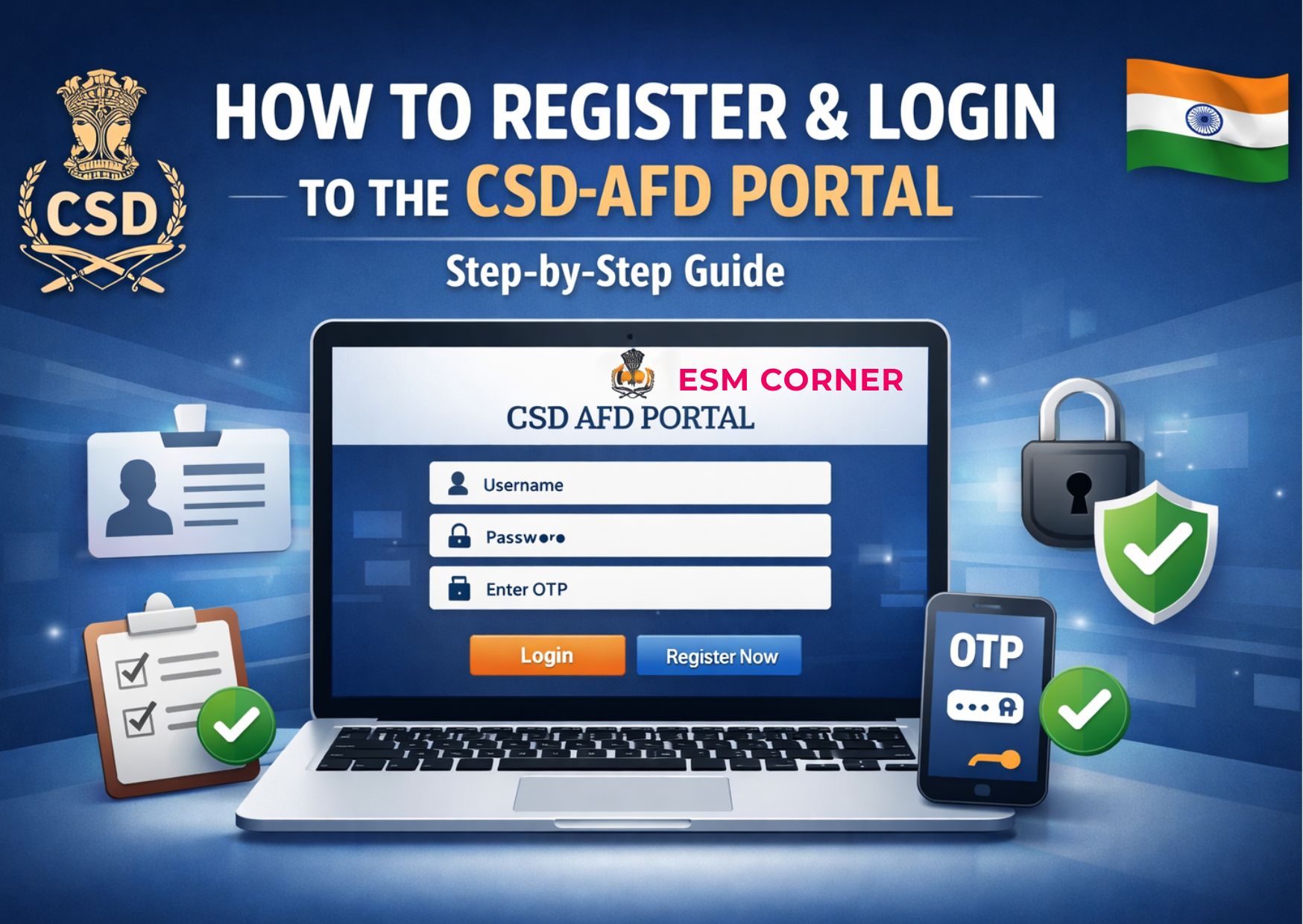
Here are the steps. Go to the official SPARSH website and log in. Use your PPO number as your User ID, your password, and an OTP sent to your Aadhaar-linked mobile number. Find the Life Certificate section on your Pensioner Dashboard. Choose your method: a fingerprint device, or the Jeevan Pramaan app. The app lets you use face recognition through your phone’s camera. Follow the on-screen steps carefully. For face recognition, make sure you are in good light. Look straight at the camera. Avoid movement in the background. Once the scan works, your certificate is created and sent to SPARSH automatically. There is no need to upload any documents separately. Finally, check your status using “View Status” on your dashboard. This confirms it went through. No biometric device at home? Visit a nearby Common Service Centre, a bank branch, or a cyber café. Many of these help with digital life certificate submission.
How to Submit Your Manual Life Certificate
Cannot do it digitally? The manual route works just as well. Log in to SPARSH and download the Manual Life Certificate form. Fill in your basic details. This includes your name, PPO number, and other identification information asked.Have the document duly signed by a gazetted officer. A bank manager or another approved authority can also sign it in some
cases. Scan the signed form. Keep the file under 10 MB, and save it as a PDF. Upload the scanned form on the SPARSH portal, in the Life Certificate section.
When Should You Submit It?
Timing depends on how your pension is paid. On SPARSH, submit by the validity date shown on your profile. This is usually once every 12 months. Still with a bank’s CPPC, not yet moved to SPARSH? Submit in October or November each year. Still with a DPDO, not yet moved to SPARSH? Submit during your birth month. Most pensioners find it easiest to do this at the start of the financial year, or in November, so it does not get forgotten.
What If You’re Bedridden or Cannot Travel?
SPARSH offers a doorstep service for pensioners who cannot travel. Contact SPARSH through the official doorstep-service helpline on the portal. Request a doorstep visit. A field officer will come to your home to complete the process.
What Happens If You Miss the Deadline?
If your life certificate is not submitted on time, your pension can pause. This stays until you complete the process and it gets checked. This is not a punishment. It is simply a safeguard. It makes sure the government does not keep paying someone whose status has not been confirmed. Once your certificate is submitted and accepted, your regular pension starts again. Any amount held back during the gap is usually paid too.
Simple Steps to Avoid Last-Minute Trouble
Keep your mobile number and email updated on SPARSH. Both digital login and backup steps depend on correct Aadhaar-linked contact details. Do not wait until the last date. Technical problems or a failed scan sometimes need a second try. Allow yourself a few extra days as a buffer. Save a copy of your submission confirmation too. This helps if you ever need to prove you submitted on time.
Final Thoughts
Submitting your life certificate on time is a small step. It keeps your pension flowing without any break. Both the digital and manual routes are made to be manageable.
Stay updated on defence-related matters — join our WhatsApp group.
Frequently Asked Questions
Q1. What is a SPARSH life certificate, and why do I need it?
A1. It is a yearly document that proves you are alive and still eligible for your pension. Defence pensioners on SPARSH must submit it every year to avoid a pause in payments.
Q2. What’s the difference between digital and manual life certificate submission?
A2. Digital submission uses your Aadhaar number with fingerprint or face-recognition checks, and can be done from home. Manual submission needs a downloaded form, signed by a gazetted officer, then uploaded as a scanned copy.
Q3. Can I submit my life certificate using just my phone?
A3. Yes. The Jeevan Pramaan app lets you use face recognition through your phone’s camera. You do not need a separate fingerprint device. This makes it easier for most pensioners.
Q4. What happens if I don’t submit my life certificate on time?
A4. Your pension payments may pause until the life certificate is submitted and checked. Once it is accepted, your pension starts again, usually along with any amount held back during the gap.
Q5. Can someone submit the life certificate on my behalf if I can’t travel?
A5. Yes. SPARSH offers a doorstep service for pensioners who are bedridden or cannot visit a centre. Request this through the official doorstep-service option on the SPARSH portal.
Q6. How do I check if my life certificate submission was successful?
A6. Log in to SPARSH and use “View Status” on your Pensioner Dashboard. This confirms your submission has been accepted and processed correctly.
Q7. Where can I get help if I don’t have a biometric device or smartphone?
A7. Visit a nearby Common Service Centre, a bank branch, or a cyber café. Many of these help pensioners who do not have their own equipment for digital submission.
For more articles like this, visit our Life Certificate section.