
Source: SPARSH
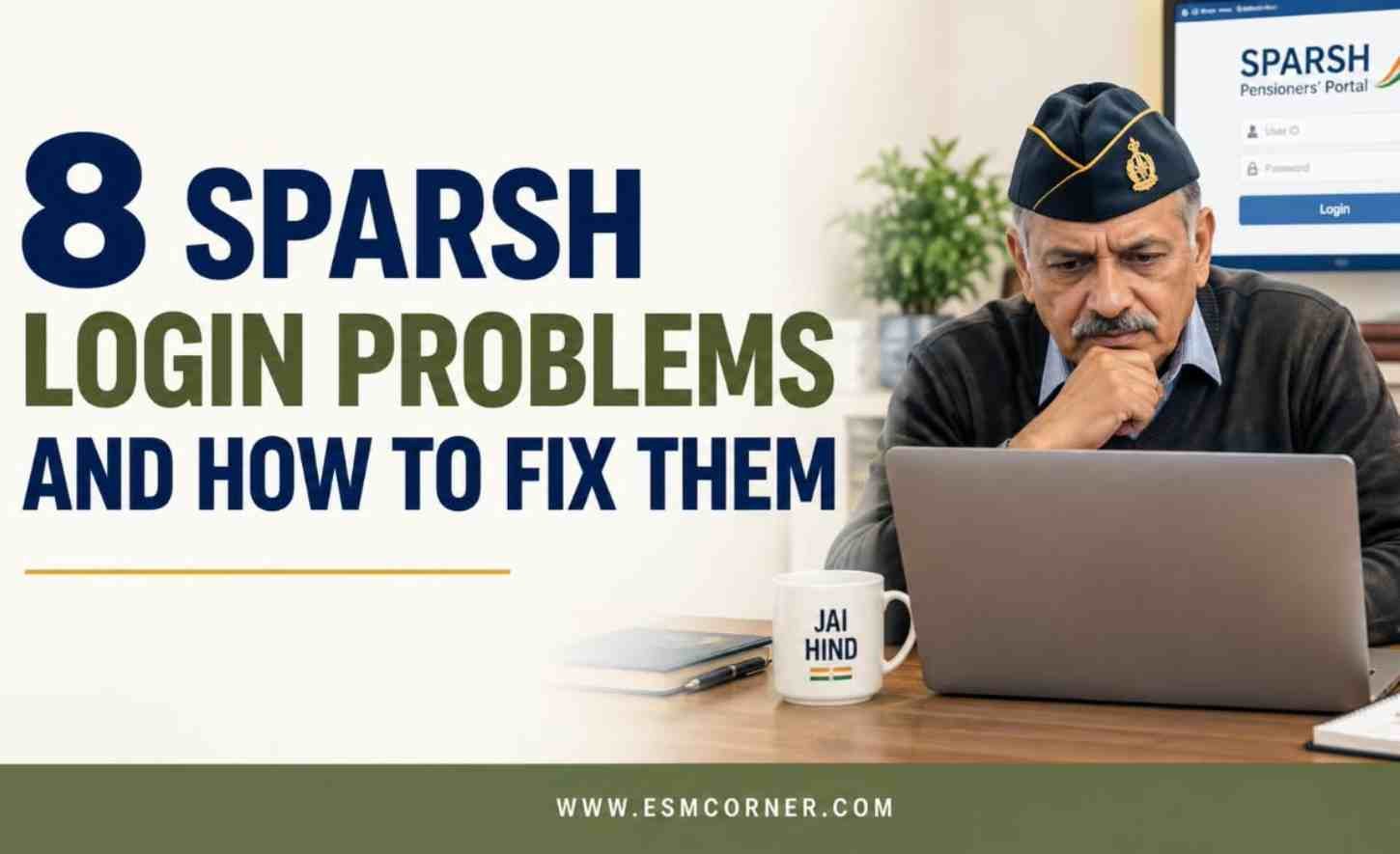
The SPARSH (System for Pension Administration Raksha) portal is where defence pensioners check their pension slips, download their PPO, and manage their profile. But many pensioners get stuck right at the login step. This article lists eight common SPARSH login problems and simple fixes for each one, based on how the official portal’s login process actually works.
- Entering the wrong User ID — Many pensioners try to log in using their name or a random ID instead of the correct one. On SPARSH, your User ID is usually your PPO (Pension Payment Order) number, service number, or the email or mobile number you registered with. Check which one you used at registration before trying again.
- Forgotten password — If you cannot remember your password, do not keep guessing it, since repeated wrong attempts can lock your account. Click Forgot Password on the login page, enter your User ID, and follow the OTP (One-Time Password) steps to set a new password.
- OTP not received during login — Sometimes the login OTP does not arrive on time. This usually happens when your registered mobile number is inactive or has changed. Wait a few minutes and resend the OTP, and get your number updated if it still does not arrive.
- Account locked after too many wrong attempts — Entering the wrong password too many times can lock your SPARSH account for security reasons. If this happens, look for the Unlock Account option on the login page and complete the OTP verification to unlock it again.
- Outdated registered mobile number — If you changed your mobile number after retirement and never updated it on SPARSH, you will not receive the OTP needed to log in. This needs to be corrected through your Record Office or PCDA (Principal Controller of Defence Accounts) before login will work smoothly again.
- CAPTCHA or page not loading properly — Sometimes the login page does not load correctly, or the CAPTCHA (the security check image with distorted text) fails to display. This is usually a browser issue rather than a problem with your account. Clear your browser cache or try a different browser.
- Confusing your PPO Number with your Service Number — SPARSH allows login using more than one type of ID, and pensioners sometimes enter the wrong number in the wrong field. Know clearly which number you are using and enter it exactly as it appears on your documents.
- Assuming there is an official SPARSH mobile app — Some pensioners search for a SPARSH app and end up downloading a fake one by mistake, risking their personal details. As of now, there is no official SPARSH mobile app, so always log in only through the official website.
Most SPARSH login problems come down to a wrong ID, an outdated mobile number, or a simple browser issue, and almost all of them can be fixed without help from anyone else. Keep your registered mobile number and email updated at all times, since this alone prevents most of the problems on this list. If none of these fixes work, raise the issue through the SPARSH grievance option.
Join our WhatsApp community for the latest pension, ECHS, and veteran welfare updates — tap here to join free.
Frequently Asked Questions
Q1. What is my User ID for logging into SPARSH?
A1. Your User ID is usually your PPO number, service number, or the email or mobile number you registered with. Check whichever one you used during registration.
Q2. What should I do if I forget my SPARSH password?
A2. Click Forgot Password on the login page, enter your User ID, and follow the OTP steps to set a new password. Avoid repeated wrong password attempts.
Q3. Why is my SPARSH account locked?
A3. Your account gets locked after too many wrong password attempts. Use the Unlock Account option and complete the OTP verification to regain access.
Q4. What if I do not receive the OTP during login?
A4. This usually means your registered mobile number is outdated or inactive. Wait and resend the OTP first, and get your number updated if the problem continues.
Q5. Is there an official SPARSH mobile app?
A5. No, there is currently no official SPARSH mobile app. Always log in only through the official SPARSH website to avoid fake apps.
Q6. Who do I contact if none of these fixes work?
A6. You can raise a grievance directly through the SPARSH portal’s Grievance section, or contact your Record Office or PCDA for further help.
Found this useful? Explore more helpful guides in our Pension & SPARSH collection — tap here to browse.