
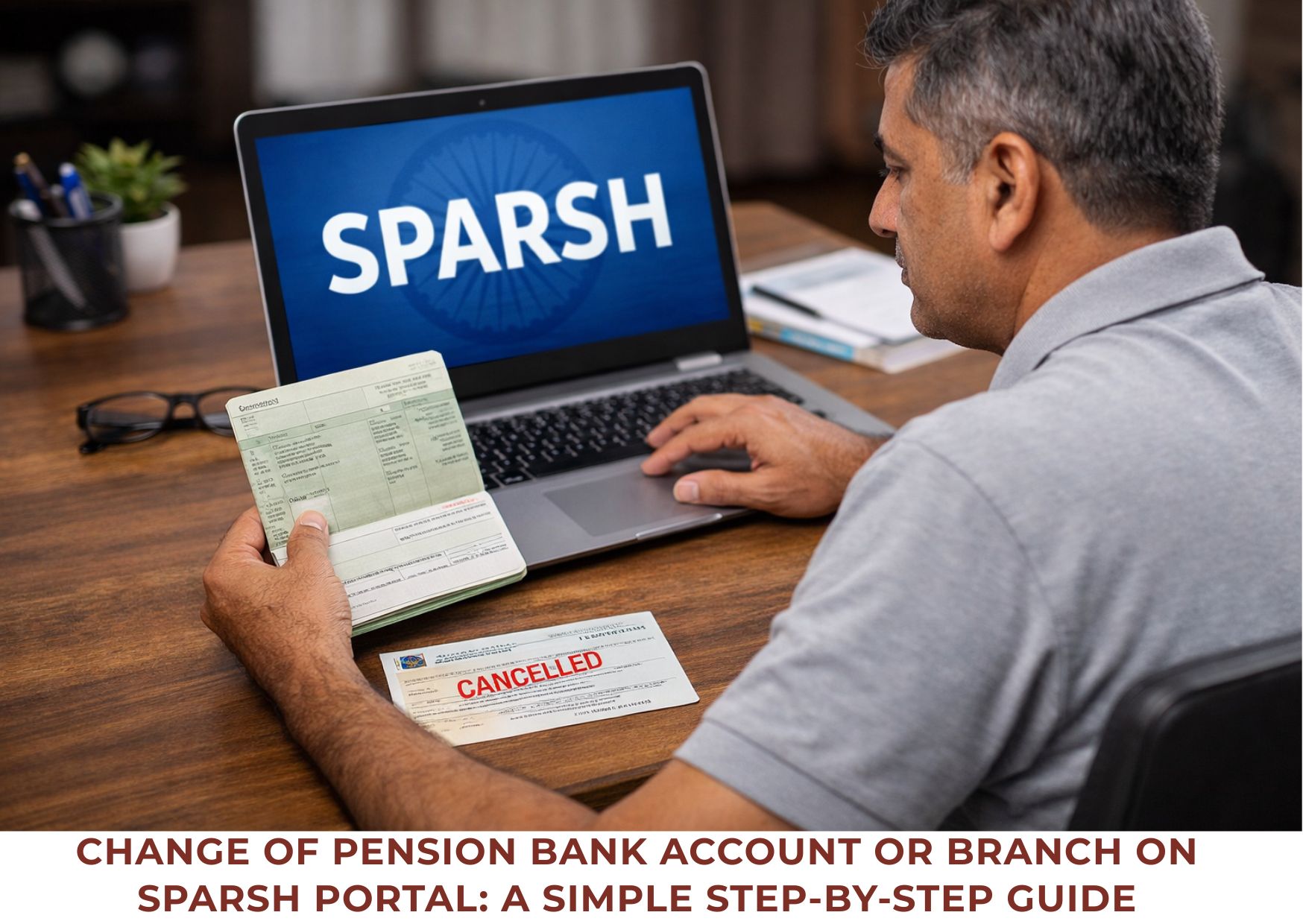
Many defence pensioners and family pensioners need to change their pension bank account or shift their pension account to another branch of the same bank due to relocation, better service, closure of branch, or personal convenience. With the introduction of the SPARSH (System for Pension Administration – Raksha) portal, this process has become online, but it still causes confusion for many pensioners.
This article explains, in simple and practical terms, how to change or transfer your pension account on the SPARSH portal, along with important precautions to avoid pension stoppage or rejection.
👉 SPARSH (defence pension) portal — a complete overview
1. Change of Pension Bank Account (New Bank or New Account in Same Bank)
If you want to change your pension bank account—either to a different bank or by opening a new pension account in the same bank—follow these steps carefully:
Step 1: Open a New Pension Account
- Open a new pension account at your chosen bank or branch.
- Obtain a cheque book for the new account.
- Keep either:
- a cancelled cheque, or
- the first page of the bank passbook (clear and legible, with bank stamp).
Step 2: Update Bank Details on SPARSH Portal
- Log in to the SPARSH portal.
- Go to Manage Profile.
- Click on Bank Details.
- Edit the Account Number and Branch IFSC Code.
- Press Enter after typing the IFSC code or click Next.
- The system will automatically fetch the bank name and branch address.
Step 3: Upload Required Document
- Upload a scanned copy of the cancelled cheque OR
- Upload a scanned copy of the first page of the passbook.
- Ensure the scan is:
- clear,
- readable,
- stamped by the bank (if passbook page).
Once submitted, the request will go for approval on the SPARSH portal.
👉Having SPARSH issues? Find quick fixes here: Common SPARSH problems and easy solutions
2. When Will Pension Start in the New Account?
If you want the pension to be credited into the new account in the same month, timing is very important.
- Make changes in the first few days of the month.
- The request must be approved before 20th of that month.
- Until approval is completed, pension will continue to be credited to the old account.
- Pension shifts to the new account only after SPARSH approval.
3. Do NOT Close Old Account Immediately – Important Advice
After pension starts coming into the new account:
- Do not rush to close the old pension account.
- Wait for at least two months of successful pension credit in the new account.
Why is this important?
In some cases, due to technical issues in SPARSH, pension details have reverted to the old account. Keeping the old account active for some time acts as a safety measure.
4. Change of Branch or IFSC Code Within the Same Bank
If you are only changing the branch of the same bank, the process is simpler.
Case 1: Account Transferred to Another Branch of Same Bank
- If the account number remains the same, pension will continue to be credited even if IFSC is not updated on SPARSH.
- There is usually no disruption in pension credit.
Case 2: Updating IFSC on SPARSH (Recommended)
- Although pension may continue, it is strongly advised to update the new IFSC code on SPARSH for record accuracy.
- This ensures:
- correct SPARSH records,
- correct Corrigendum PPO details.
The method to update IFSC is the same as changing bank details, explained in Section 1.
5. Important Points to Remember (Very Important)
5.1 Pending Requests Block Bank Changes
If any service request is already pending on SPARSH:
- You cannot edit bank account or IFSC details.
- First resolve or close the pending request.
5.2 Name Must Match Exactly
- The name printed on the cancelled cheque or passbook must exactly match the name in SPARSH records.
- Even small differences can lead to rejection of the request.
5.3 IFSC Is More Important Than Branch Name
- If IFSC code is correct but:
- branch name, or
- branch address
appears incorrect on SPARSH — ignore it.
- SPARSH auto-fetches branch details based on IFSC.
If correction is still desired:
- Raise a grievance on SPARSH.
- Attach the first page of the bank passbook as proof.
5.4 Shifting Pension to Co-operative or Small Banks
If you want to shift pension to a co-operative or small bank and are unsure whether SPARSH allows it:
- Go to Manage Profile.
- Enter the bank’s IFSC code.
- If SPARSH auto-fetches bank name and branch address, pension credit is allowed.
- If not fetched, do not proceed.
If entered by mistake:
- Click “Reset All” at the bottom of the Manage Profile page before submitting.
👉 What is the SPARSH PPO number? What do its 12 digits represent?
Conclusion
Changing or transferring a pension account on the SPARSH portal is not difficult, but it requires care, correct documents, and proper timing. Most pension-related issues occur due to:
- haste,
- incorrect documents,
- name mismatch,
- or ignoring pending requests.
By following the above steps carefully and patiently, pensioners can ensure a smooth transition without interruption of pension.


Q 1: Can I change my pension bank account on SPARSH online?
Yes. SPARSH portal allows pensioners to change their pension credit bank account online by updating account number and IFSC under Manage Profile → Bank Details.
Q 2: What documents are required to change bank details in SPARSH?
You need either:
Cancelled cheque of the new pension account, OR
First page of passbook (clear + preferably stamped by the bank).
Q 3: When will pension start coming in the new bank account?
Pension shifts only after SPARSH approves your request.
If you want change in the same month, ensure:
request is submitted early in the month, and
approval is completed before 20th.
Q 4: Should I close my old pension account immediately after change?
No. Do NOT close it immediately.
Wait for at least 2 successful pension credits in the new account.
This is important because sometimes SPARSH data may revert due to technical issues.
Q 5: What if I am only shifting pension to another branch of the same bank?
If account number remains the same, pension usually continues without disruption.
However, updating the new IFSC on SPARSH is strongly recommended for accuracy and Corrigendum PPO.
Q 6: Why is my bank change request rejected on SPARSH?
Common reasons:
name mismatch between SPARSH and passbook/cheque
unclear scan or unreadable document
pending service request already open
incorrect IFSC code entered
bank not supported/IFSC not fetched by SPARSH
Q 7: What does it mean if my bank details cannot be edited in SPARSH?
If any service request is pending, SPARSH will block editing bank details.
First close/resolve the pending request, then try again.
Q 8: My IFSC is correct but branch name/address showing wrong in SPARSH—what to do?
Don’t worry. In most cases, it is auto-fetched and does not affect pension credit.
If you still want correction:
raise grievance on SPARSH
attach passbook first page as proof.
9: Can I shift pension to a cooperative bank or small bank?
Only if SPARSH accepts it.
Enter IFSC in SPARSH:
If bank/branch auto-fetch → allowed
If not fetched → don’t proceed.
Q 10: What precautions should I take to avoid pension stoppage?
Don’t close old account early
Ensure name matches exactly
Upload clear documents
Submit early in the month
Avoid making changes when another request is pending